People say to me, you guys talk about AI. How do you use it?
This is how.
I was driving to lunch with a partner. As I was thinking about the meeting, it hit me. I didn't have time to prepare.
So I prepared in the car.
By voice. Hands-free. No laptop. No typing.
By the time I was six minutes away from lunch, I had research on the partner, questions to ask, three things to talk about, and one ask to close with. My AI assistant built all of it into a Google Doc in my Google Drive and emailed it to me. I did not type a word of it.
Coming out of that lunch, I can tell you the notes worked perfectly.
I use AI every day, pretty much all day. This one was very pertinent to my job, so I want you to see exactly how I did it. Step by step. What I said. What came back. Where I pushed back.
I get excited about this stuff. I think you will too.
Part 02
What this is and who it is for
This is one real conversation I had with my AI assistant on the way to a meeting, broken down so you can copy it.
It is for you if:
You sit down with partners, customers, vendors, or anyone you need to understand before the meeting starts.
You run a business or a ministry and you never have enough desk time to prepare.
You keep hearing people talk about AI and you want to see what it looks like in a real workday.
A few terms, in plain English, before we start:
Grok Bot: the AI assistant app I use on my phone. I use it in voice mode, which means I talk and it talks back.
Athena: my personal assistant inside Grok Bot. I built her.
IT value-added reseller: a company that sells technology from manufacturers and partners and adds its own services around it. That is what we are at Inspired Solutions.
Consulting lens: My consulting lens, which looks at a problem the way Booz Allen Hamilton, McKinsey, Deloitte, Accenture, and BCG would (not affiliated with those firms). I explain it in Step 7.
Google Doc: a free online document from Google that you can open on your phone or your computer.
Google Drive: the online space that comes with a Google account, where your files and Google Docs are saved.
Part 03
The problem I was solving
Slide 02 / 15 · 0:18 · Know your partner
We are an IT value-added reseller. We sign up with a lot of partners.
Sometimes our team has to struggle a little bit to figure out what all these partners do. What is their secret sauce?
Secret sauce means the one thing that makes a company different from everybody else selling something similar.
I was about to sit across the table from one of those partners. I kind of thought I knew what they did.
Kind of is not prepared.
Part 04
How I did it, step by step
Every prompt below was spoken, not typed. I did not write them down, so what you see is what I said, as close as I can give it to you.
Step 1. Start with a conversation (0:40 in the video)
Slide 03 / 15 · 0:36 · Start with a conversation
I opened Grok Bot in voice mode and talked to Athena.
I talked to her the way I would talk to a person riding in the car with me.
Why this step matters: I did not have a desk. I had a drive. Voice mode turned drive time into prep time.
Step 2. Give it the assignment (0:51)
Slide 04 / 15 · 1:00 · Give it the assignment
What I said was roughly:
"Hey, listen, I'm going to have lunch with this company. I kind of think I know what they do, but do research on them. Tell me what products they sell, where do they sit in the IT market, who their competitors are, what is their secret sauce."
Why this step matters: Four questions. What they sell. Where they fit. Who they face. What makes them different.
That is the whole picture of a partner in one breath. Vague questions get vague answers. Specific questions get something you can use.
Step 3. Tell it where you fit (1:04)
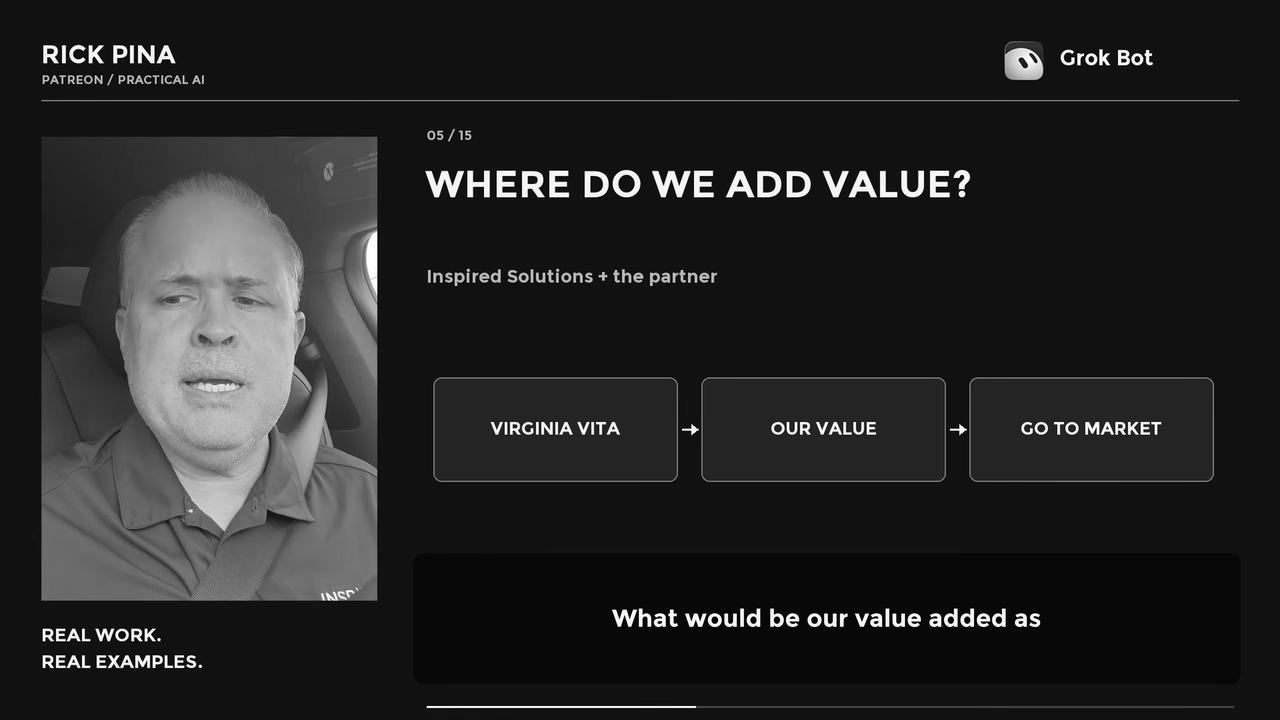
Slide 05 / 15 · 1:15 · Where do we add value?
This partner already added us to their Virginia VITA contract, which is the Virginia IT contract. VITA is the Virginia Information Technologies Agency, the state's IT agency. So the real question was not just who they are. It was what we do together.
Then I asked, roughly:
"What would be our value added as Inspired Solutions? How would or could we, should we go to market together? What are some talking points?"
Go to market together means how we would sell side by side.
Why this step matters: Steps 1 and 2 tell you about them. This question tells you about the two of you together. That is what the lunch is really about.
Step 4. Ask the next question (1:24)
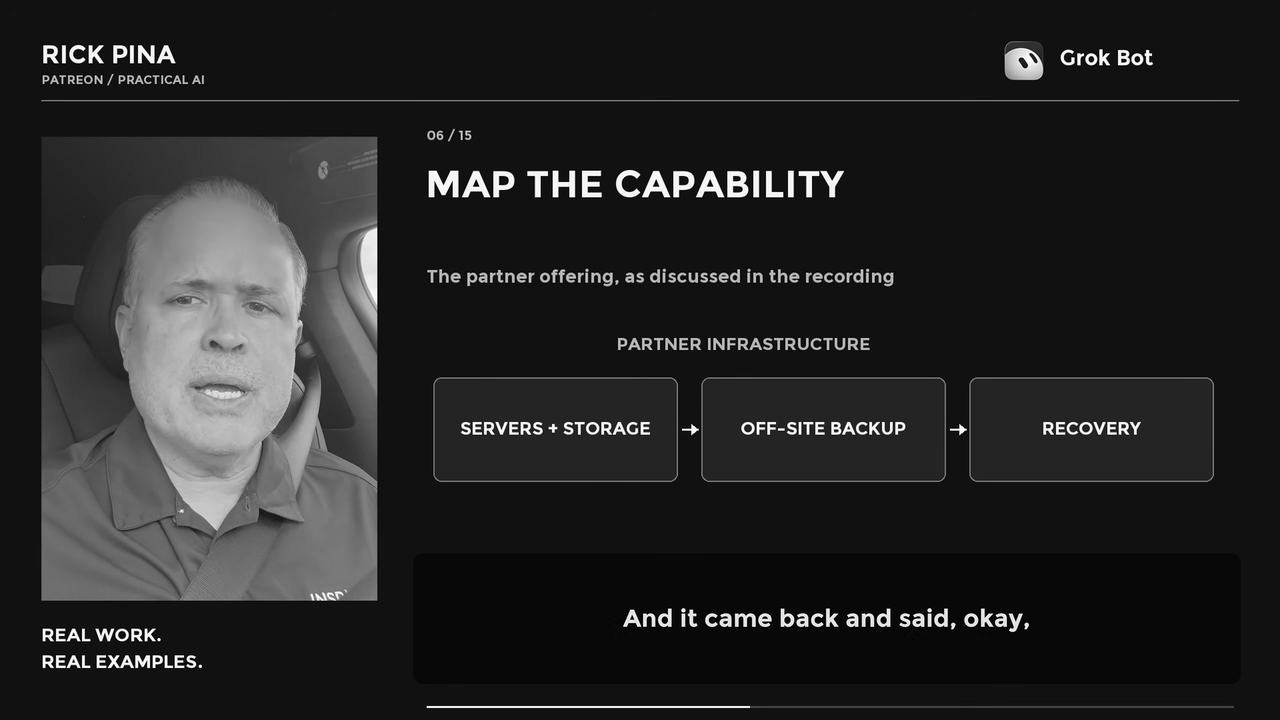
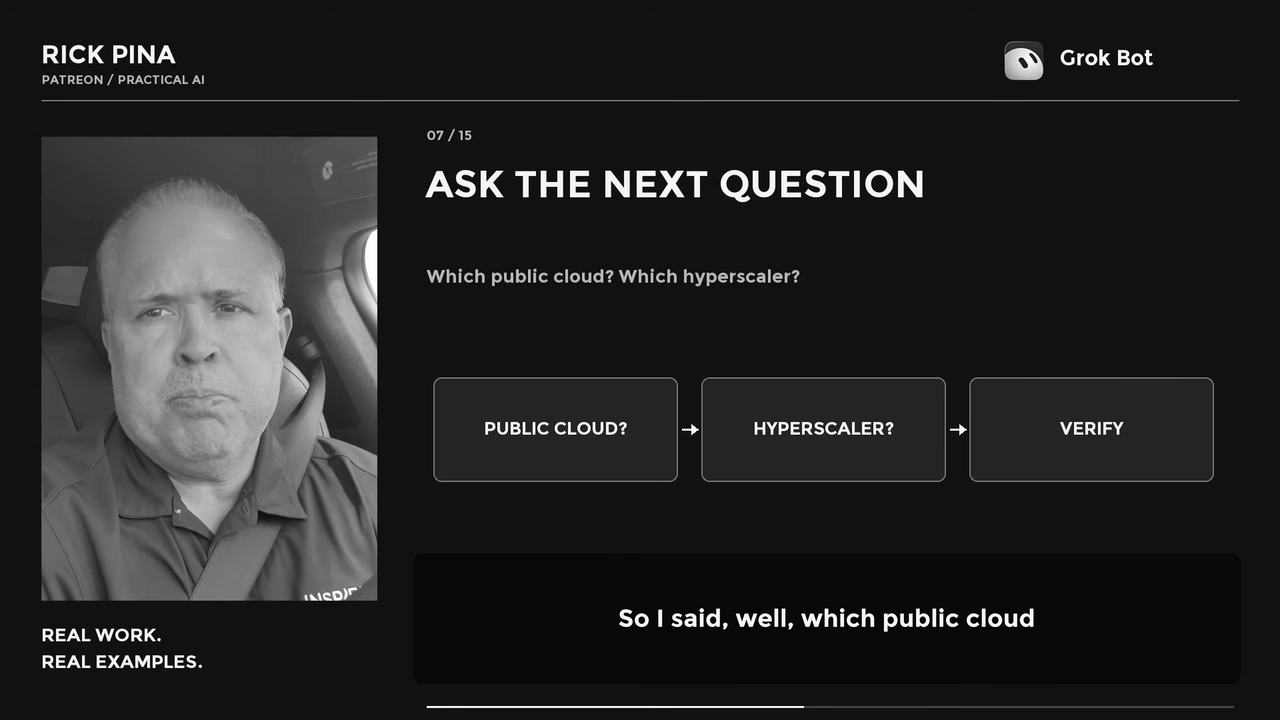
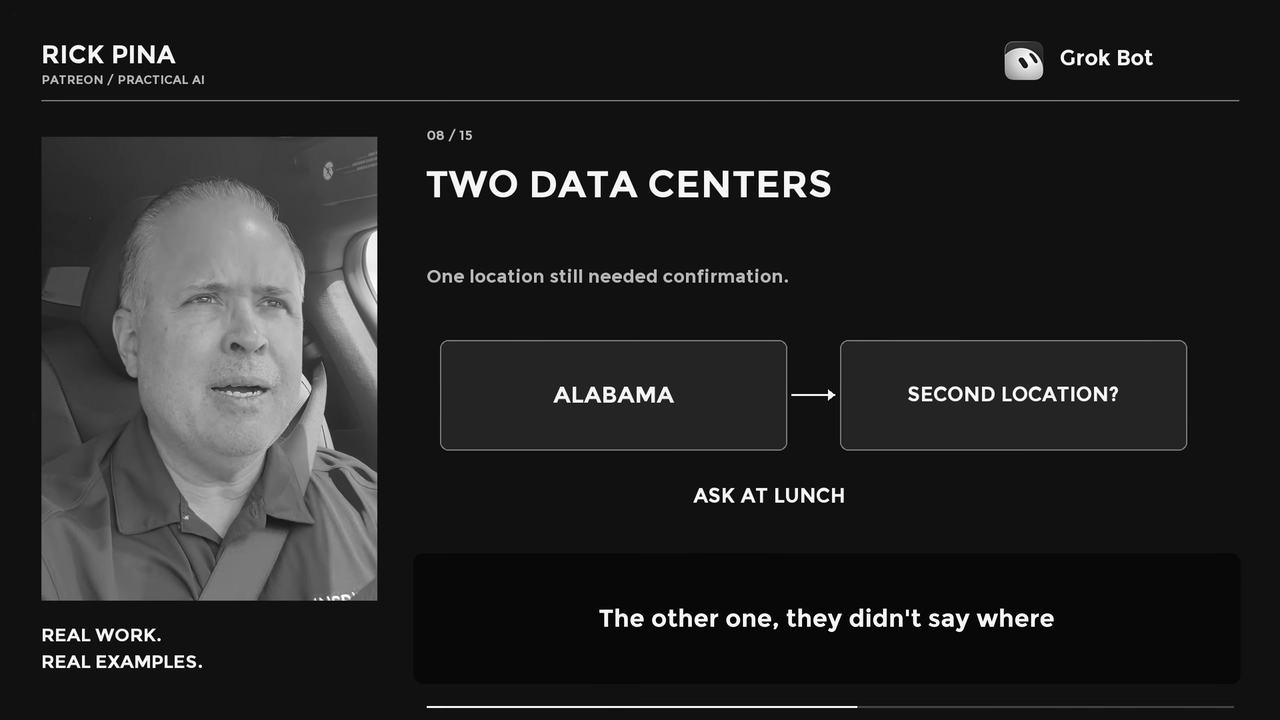
Slide 06 / 15 · 1:27 · Map the capabilitySlide 07 / 15 · 1:48 · Ask the next questionSlide 08 / 15 · 1:58 · Two data centers
It came back with a summary of what they do and what their secret sauce is.
And it kept saying public cloud.
So I asked:
"Well, which public cloud do they use? Which hyperscaler?"
A hyperscaler is one of the giant public cloud companies that rent computing power to everybody (Amazon Web Services, Microsoft Azure, and Google Cloud are the names most people know).
It went back, did the research, and came back with a different answer. They don't use a hyperscaler. They run their own data centers instead. Two of them. It found one of them in Alabama. It could not find where the other one is.
That's a question for lunch.
Why this step matters: The first answer sounded right. It was not the whole story. One follow-up question changed what I was about to walk in believing.
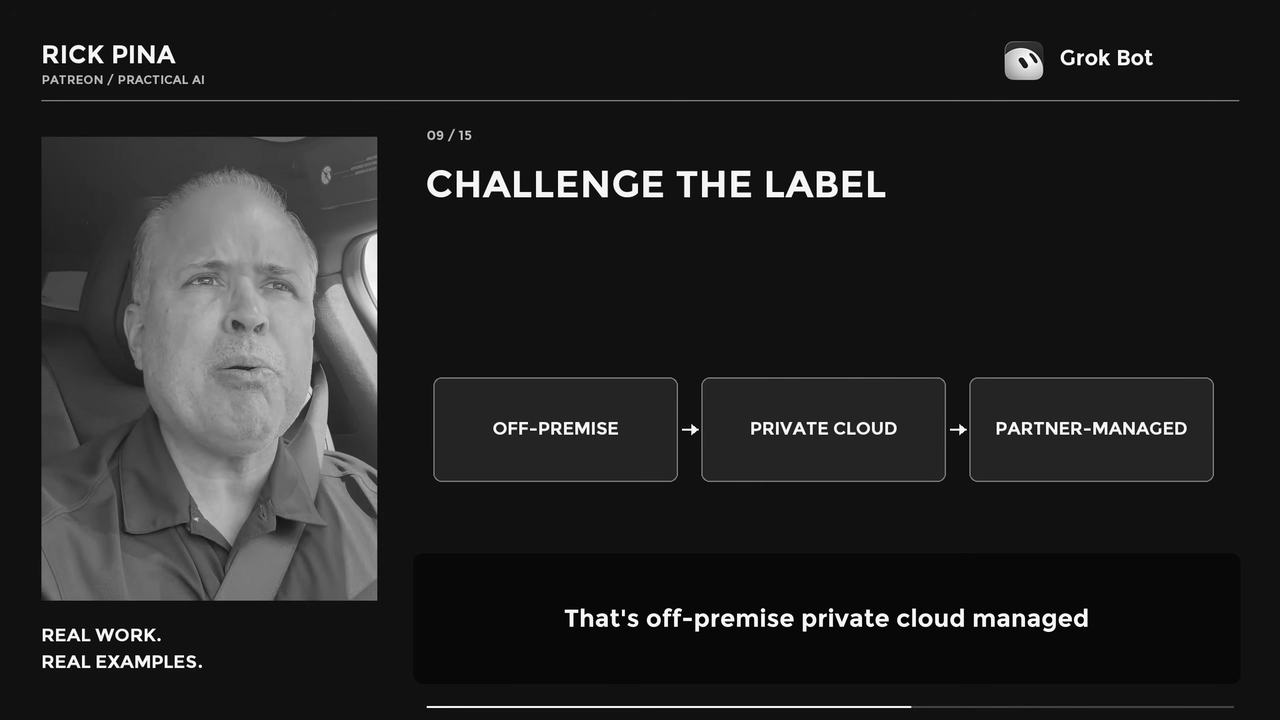
Step 5. Challenge the label (2:02)
Slide 09 / 15 · 2:06 · Challenge the label
Here are the two terms in plain English:
Public cloud: computing you rent from a big provider, running on equipment shared by many customers.
Private cloud: computing set up for one organization. Off-premise means it does not sit in your building. It sits in someone else's data center.
So I corrected it. If they run their own data centers, that's not public cloud. That's private cloud.
And the AI agreed. What it said was roughly:
"Ah, yeah, you're right. You're right."
Why this step matters: The AI was confident, and the label was wrong. It took somebody who knows the business to catch it.
If I had walked into that lunch saying public cloud, I would have described their own offering to them the wrong way.
The AI does the legwork. You still bring the judgment.
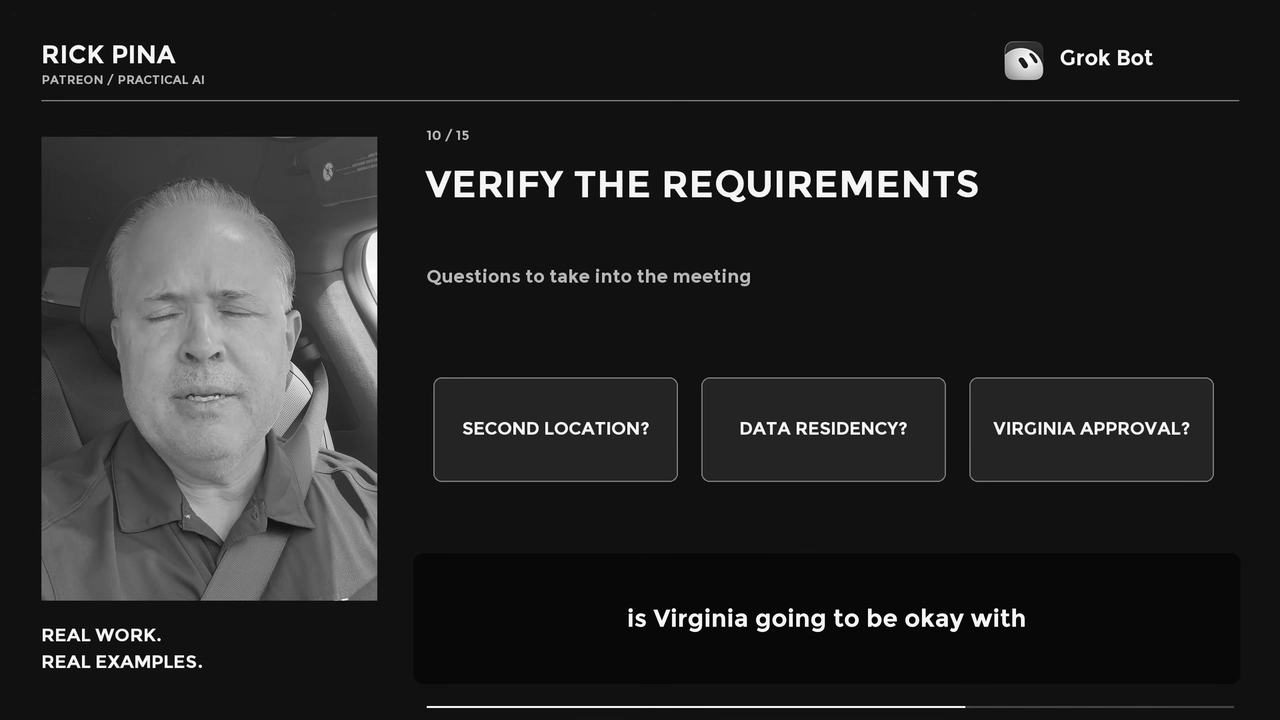
Step 6. Verify the requirements (2:20)
Slide 10 / 15 · 2:27 · Verify the requirements
Once the label was right, it told me what to ask at lunch:
Where is the second data center?
Is Virginia going to be okay with having its data in Alabama, or wherever the other data center is?
That second question is about data residency, which means the rules about where a customer's data is allowed to physically live.
It added that for most states that is going to be okay, because the data just has to be in CONUS (the continental United States, the lower 48). But just verify that.
Notice that last line. The AI gave me a rule of thumb and told me to verify it. The contract gives the real answer, not the chatbot.
Then it came back with a bunch of notes to get me ready for lunch.
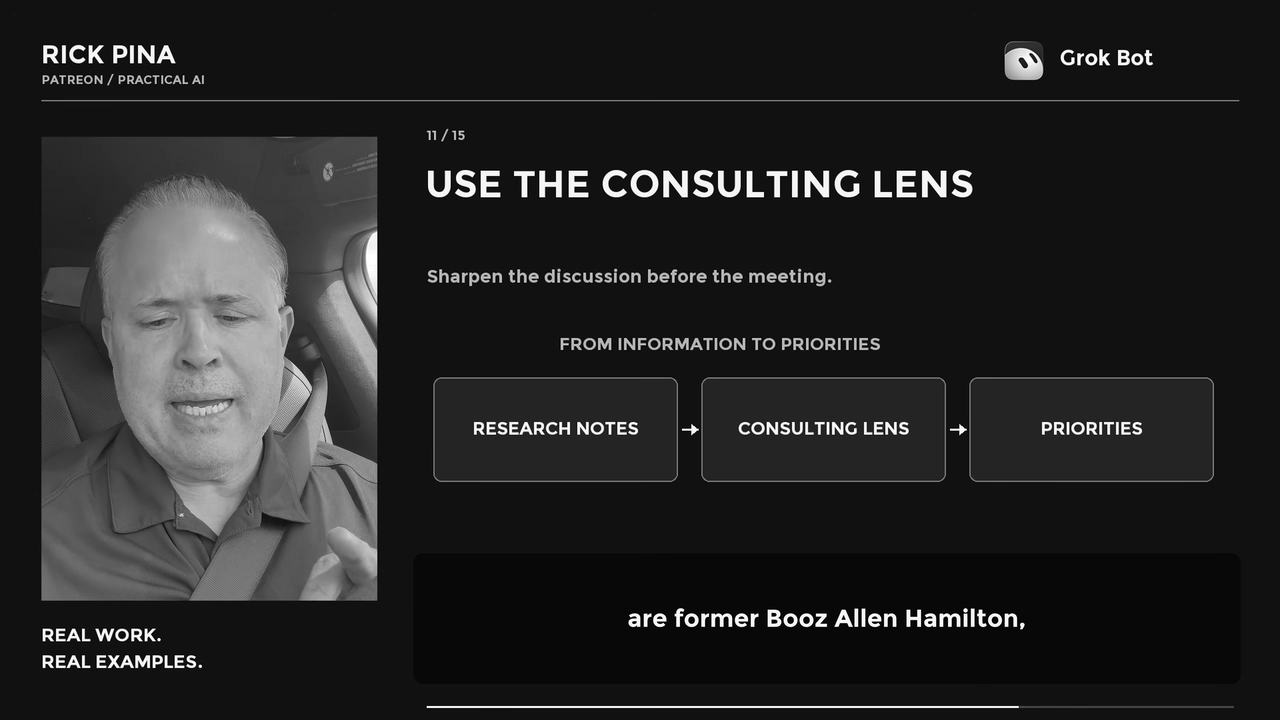
Step 7. Run it through the consulting lens (2:45)
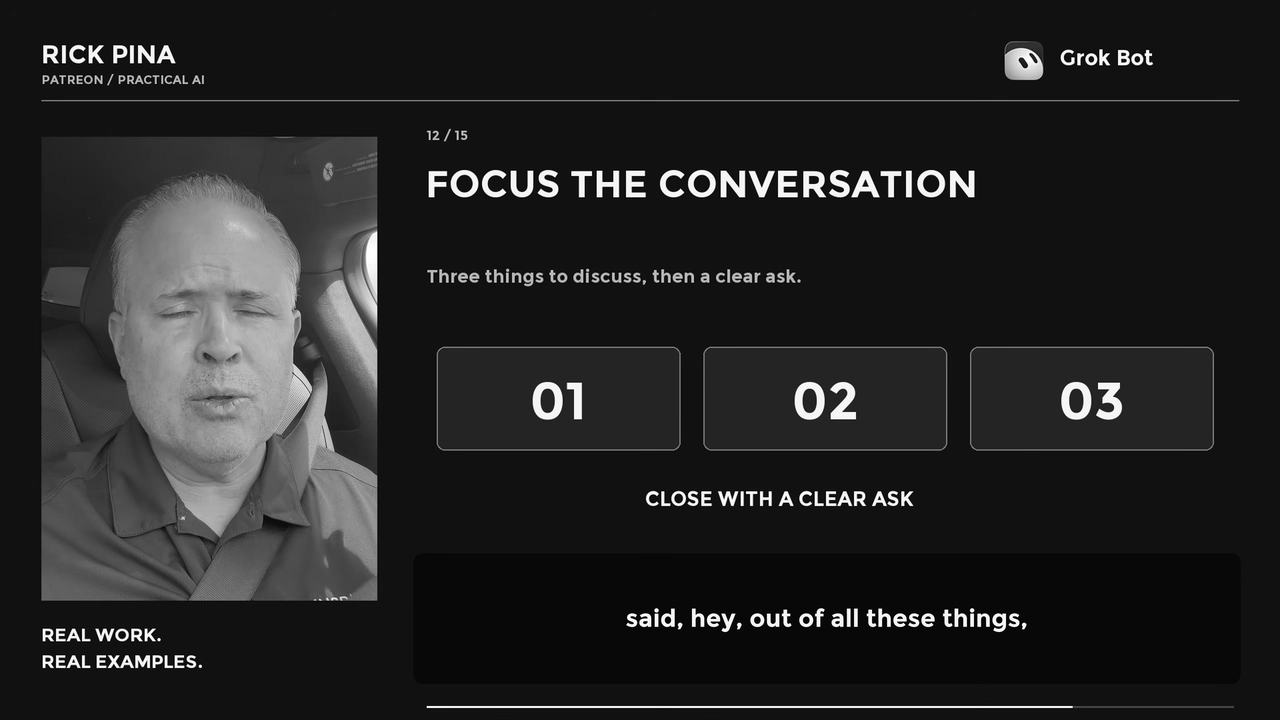
Slide 11 / 15 · 2:54 · Use the consulting lensSlide 12 / 15 · 3:12 · Focus the conversation
This is the step most people skip.
What I said was roughly:
"Whoa, wait a minute, run this through the consulting lens."
Here is what that means for me. It is my consulting lens, which looks at a problem the way Booz Allen Hamilton, McKinsey, Deloitte, Accenture, and BCG (Boston Consulting Group) would (not affiliated with those firms).
Whenever I have something, I just say, run it through the consulting lens.
What came back was simple. Out of all these things, really, these are the three things you need to talk about at lunch. And ask for this at the end.
Why this step matters: Research gives you a pile of information. A lunch has room for three things and one clear ask. The lens moved me from information to priorities.
Your three things will be different from mine. The shape is what matters. Three things. Then a clear ask.
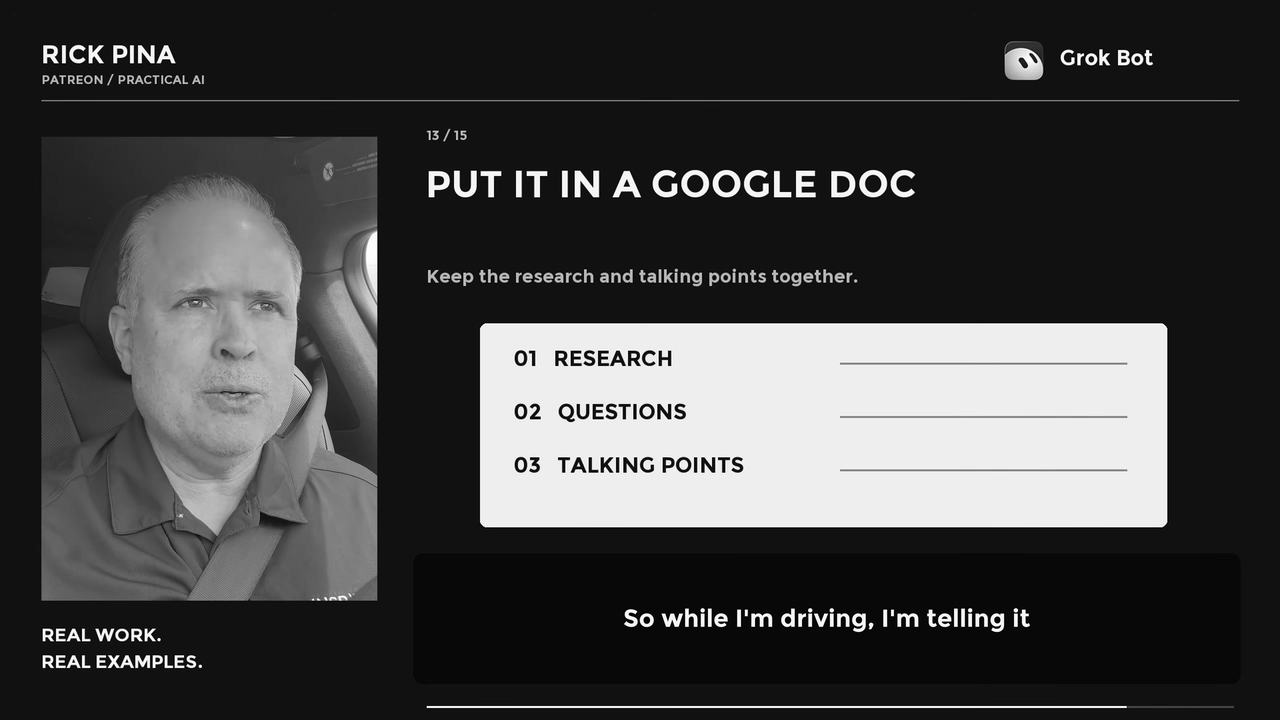
Step 8. Put it in a Google Doc (3:15)
Slide 13 / 15 · 3:21 · Put it in a Google Doc
What I said was:
"Put that in a Google Doc."
So while I'm driving, I'm telling it all this stuff, going back and forth. My AI assistant built the whole brief as a Google Doc in my Google Drive and emailed it to me.
I did not type it. I talked. It wrote the Doc, saved it, and sent it.
Why this step matters: A conversation disappears when you hang up. A document you can open at the table. The research, the questions, and the talking points were now in one place, in my Drive and in my inbox.
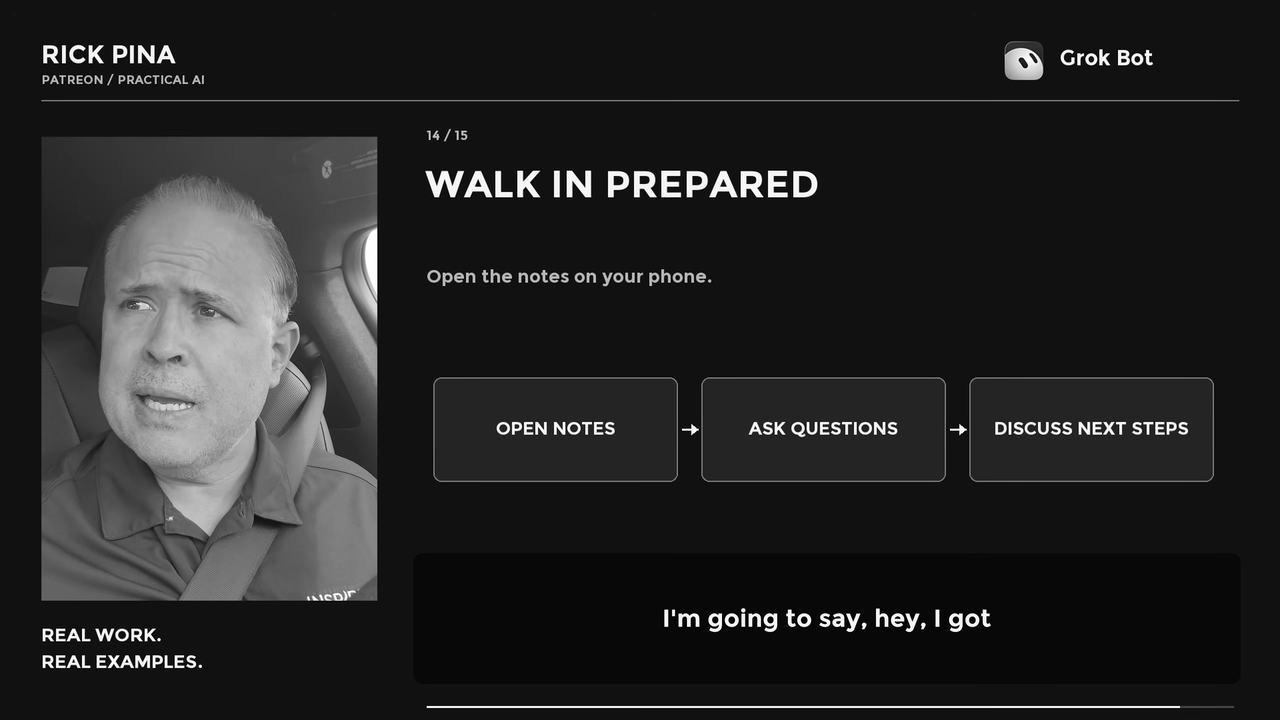
Step 9. Walk in prepared (3:25)
Slide 14 / 15 · 3:33 · Walk in prepared
I was six minutes away from lunch.
My plan when I got there was to open my phone and say:
"Hey, I got some notes. Is it okay if I go through these notes while we eat?"
Bam. Everything ready for the meeting.
Why this step matters: Asking permission to use your notes is respect. It also tells the other person you took the time to learn about them.
And like I said at the top, the notes worked perfectly.
Part 05
Here is what I want you to see
The AI did the research in the time it took me to drive.
It still needed me twice. Once to ask the next question. Once to correct the label.
Then it needed counsel to turn a pile of information into a plan.
Proverbs 15:22 (AMPC) says, "Where there is no counsel, purposes are frustrated, but with many counselors they are accomplished."
That is why I run things through the consulting lens. Not one view. Five ways of looking at the problem. Then one clear plan for the table.
Part 06
Copy-paste prompts you can use
Say these out loud or type them. Replace everything in brackets.
1. The assignment
"I'm meeting with [company or person] on [day]. I think they [what you believe they do], but research them. Tell me what [products or services] they sell, where they sit in the [industry] market, who their competitors are, and what their secret sauce is."
2. Where we fit
"We are a [what your company or ministry does]. [One sentence on the relationship, for example: they are adding us to a contract, or they want to refer people to us]. What would be our value added? How could we work together or go to market together? What are some talking points?"
3. The next question
"You keep saying [term it keeps using]. Which [specific one] exactly? Go back and check, and tell me where you found it."
4. The label check
"I don't think that's [label it used]. From what you found, it sounds like [your read]. Check that and tell me if I'm right."
5. Verify the requirements
"What should I ask in the meeting to confirm what you could not find? And what rules or requirements should I verify for [customer, contract, or location]?"
6. The consulting lens
If you have a lens set up, say it the way I do, then tell it what you need back:
"Run this through the consulting lens. Out of all of this, give me the three things I need to talk about at [meeting], and the one thing I should ask for at the end."
No lens set up? Use this instead:
"Look at these notes the way a top consulting firm would. Give me the three things that matter most for [meeting] and the one clear ask to close with."
7. Save it
"Put that in a Google Doc in my Google Drive called [meeting name and date], with three sections: research, questions to ask, and talking points with the ask at the end. Then email it to me."
8. At the table (said to the person, not the AI)
"Hey, I've got some notes. Is it okay if I go through these while we eat?"
Part 07
How to set this up yourself
Pick an AI assistant app with voice mode and web search. I use Grok Bot. Voice mode is what makes this work in the car.
Tell it who you are one time. Your name, what your business or ministry does, and who you serve. That way you are not starting from zero every conversation.
Add a review pass before the meeting. I say "run it through the consulting lens." You do not need a lens set up. Prompt 6 has a version that works on day one.
Connect your Google account and your email to your assistant. That is how mine builds the Google Doc, saves it in my Google Drive, and emails it to me without me typing anything. If your app cannot connect yet, ask it for the notes and paste them into a Doc when you are parked.
Hands-free only. Start the conversation before you pull out. Keep the phone mounted. Talk, listen, drive. Read the Doc when you are parked, not while you are moving.
Verify before you repeat it. Anything the AI found that you plan to say out loud in a meeting, confirm it first. That is what the questions in Step 6 are for.
Part 08
Let's talk about it
Slide 15 / 15 · 3:48 · How would you use this?
How would you use this? Like, how could this help you?
Tell me the next meeting you have on your calendar and what you would ask the AI before you walk in.
If you are not a member of our Patreon, join today. Coaching and mentorship designed to maximize your potential, increase your personal productivity, and fulfill your life’s purpose. Weekly teaching, a private community, and one-on-one coaching calls, all on Patreon.
LIBRARY TIER
$25/month
Hundreds of videos and weekly teaching on life, faith, family, business, and relationships. Private Grace Life Discord, early access, and bonus episodes.
MONTHLY 1:1 MEETINGS
$100/month
Everything in Library, plus a monthly one-on-one phone call with Rick or Isabella (coaching, prayer, personal or business guidance) and direct Q&A access.
DIRECT COACHING
$500/month
Monthly one-on-one video coaching sessions with Rick or Isabella, direct Q&A access, and the full content library.